SuperGroup scans your DaVinci Resolve timeline into searchable, sortable thumbnails so you can
organize groups in seconds - by hand, by metadata, or automatically by image
similarity.
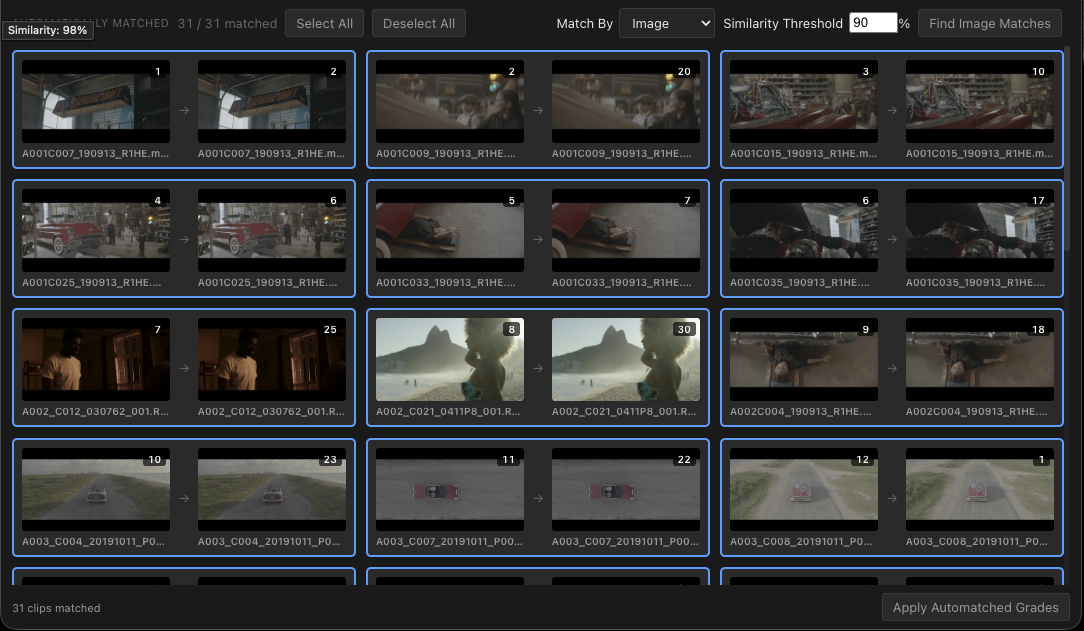
SuperCopy applies grades between timelines with the same drag-and-drop
simplicity, matched automatically by metadata or image.
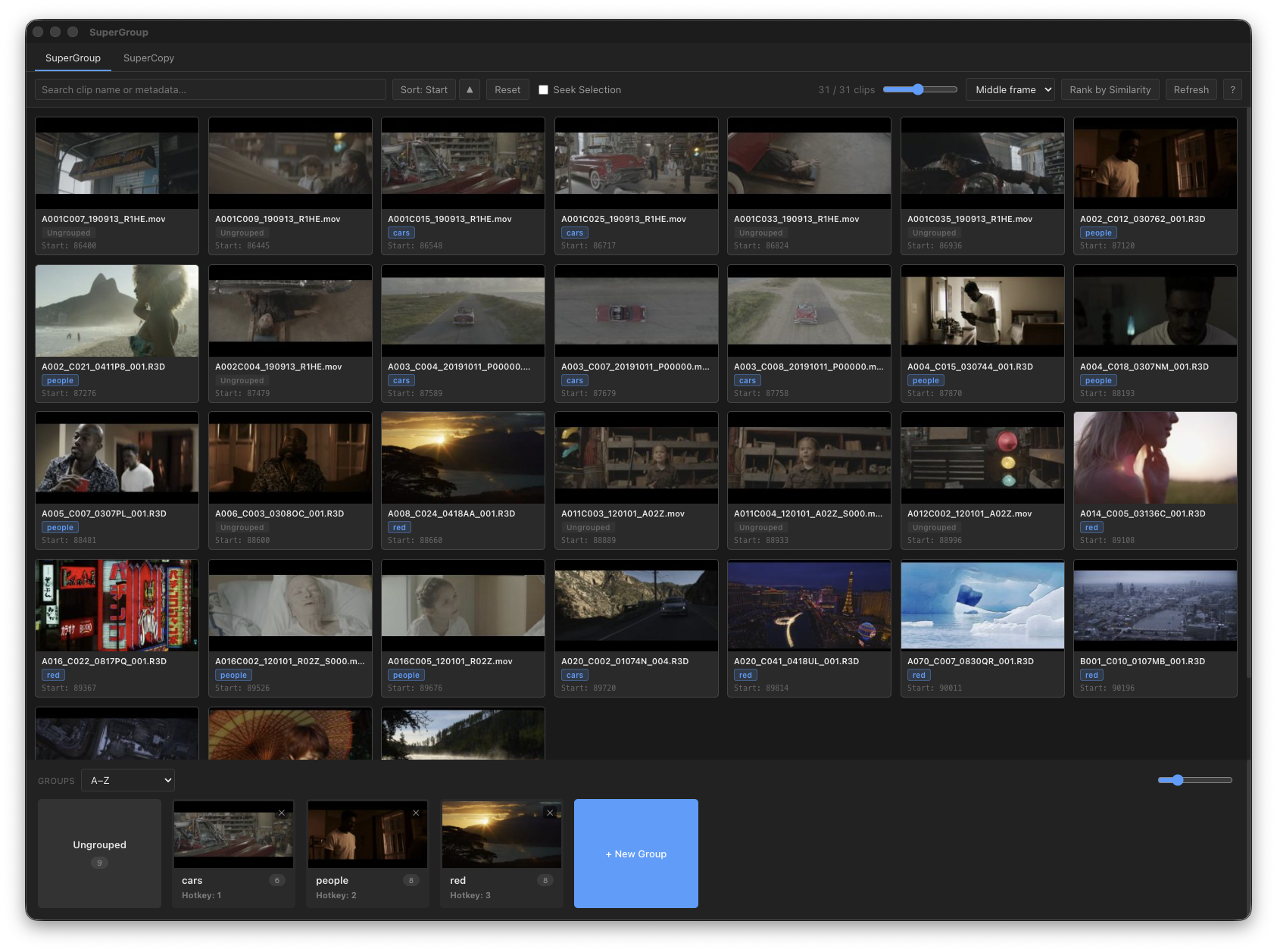
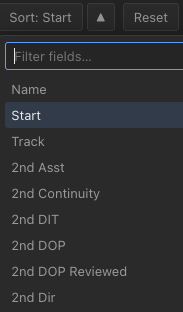
SuperGroup scans the current timeline and shows every clip as a thumbnail - searchable and sortable by any metadata field available in Resolve.
Type to filter the grid instantly, or sort by any metadata field Resolve exposes - not just the defaults. Every field in your project is searchable and available as a sort key.
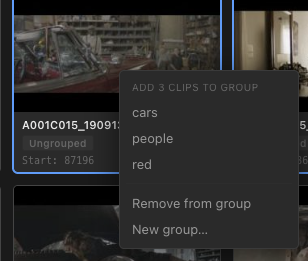
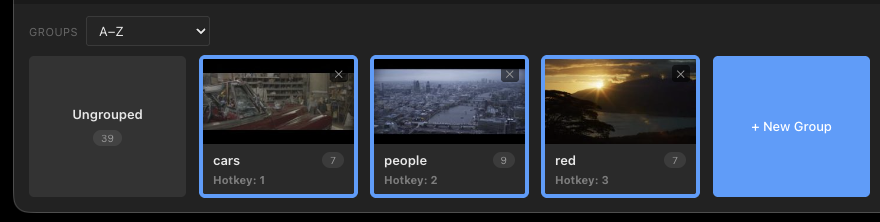
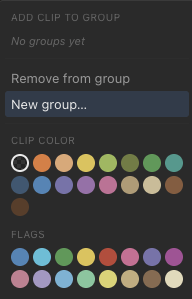
Simply drag clips or entire groups of clips onto existing or new groups in the group bar - or right-click any selection to add it to a group without leaving the grid.
Every group lives in a bar along the bottom of the window.
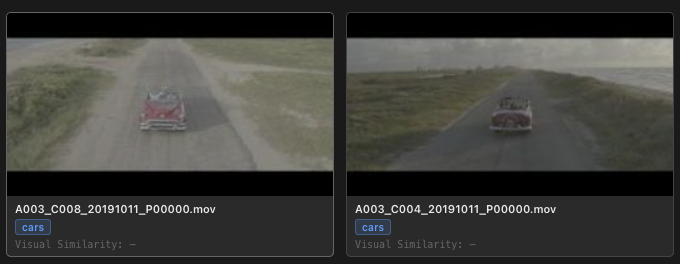
Analyze every thumbnail in one click, and SuperGroup automatically sorts clips by visual similarity - a great starting point for interviews or matched camera angles.
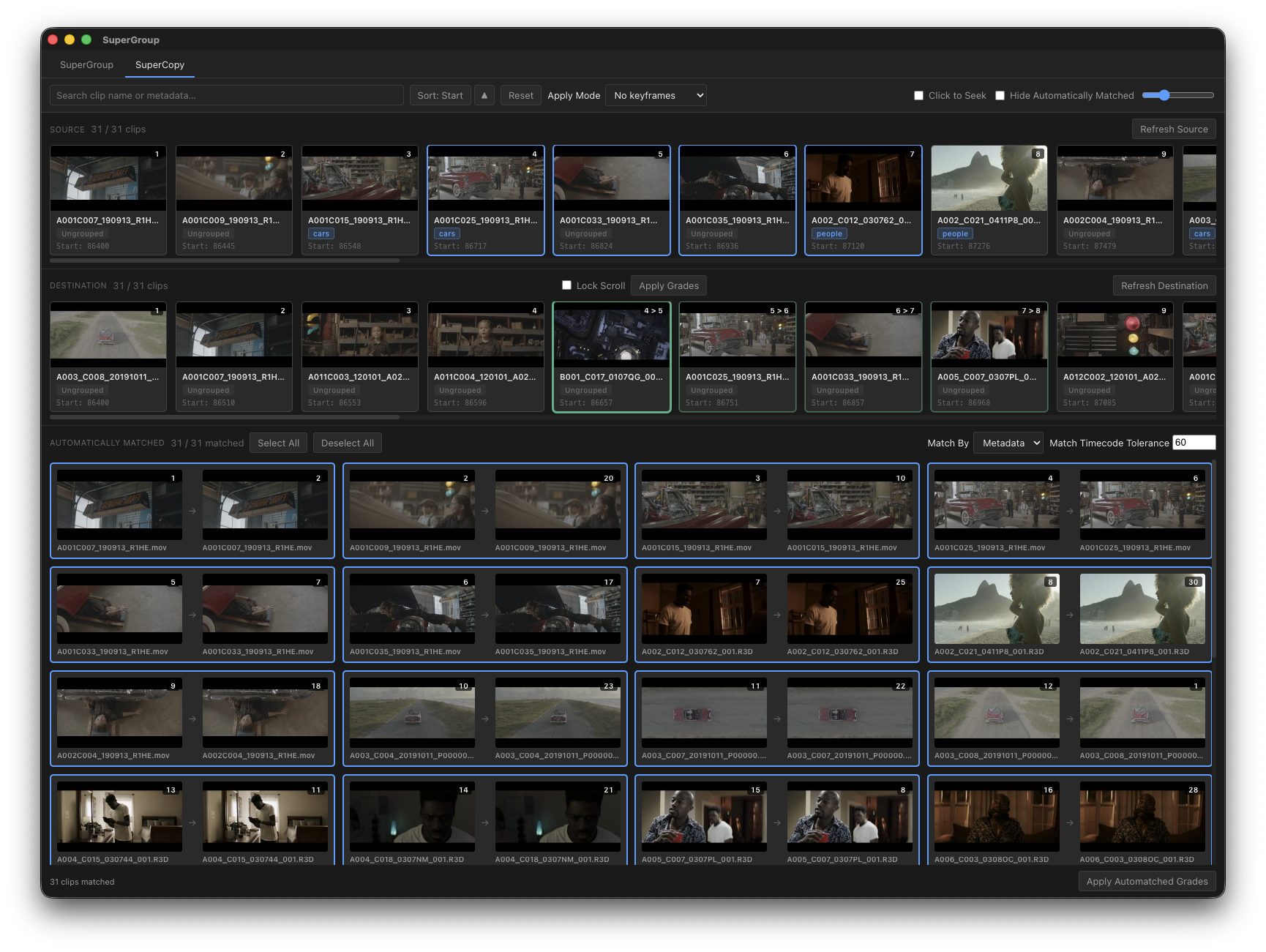
Load a source and destination timeline from Resolve, then copy grades between instantly with drag and drop, or multi-selection.
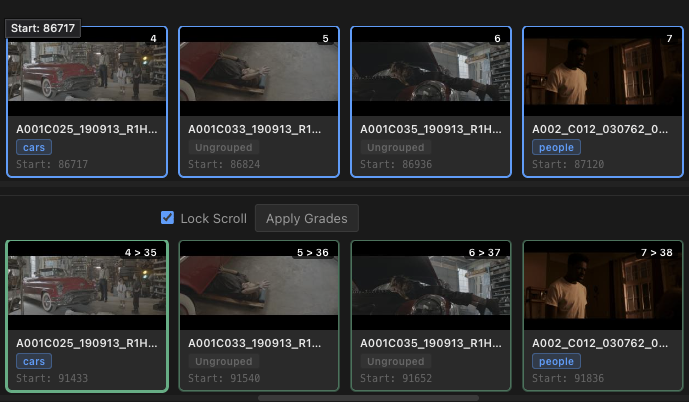
Source and destination clips sit in two independent filmstrips, searchable and sortable by any metadata field, and linked together at any position you choose.
SuperCopy will automatically find matching clips based on name, reel, and timecode metadata. Or use the same image-matching as SuperGroup, to automatically link visually similar clips.
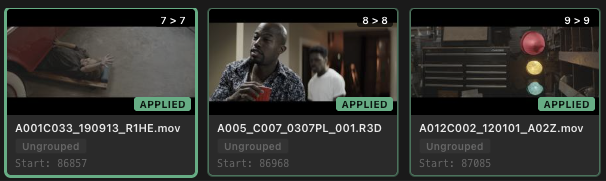
Copy single grades or whole groups of grades by dragging/dropping or selecting multiple at once. Every applied clip gets a clear, positive indicator the moment its grade is applied.
Fast group management and grade copying for every DaVinci Resolve timeline.
More from Retrograde Labs