Free Tools
Free tools for
DaVinci Resolve
Python scripts, DCTL effects, and Fusion macros for colorists and post-production engineers. All free.
Python scripts, DCTL effects, and Fusion macros for colorists and post-production engineers. All free.
Enter your email to unlock free downloads
Download links are ready below.
Standalone macOS apps

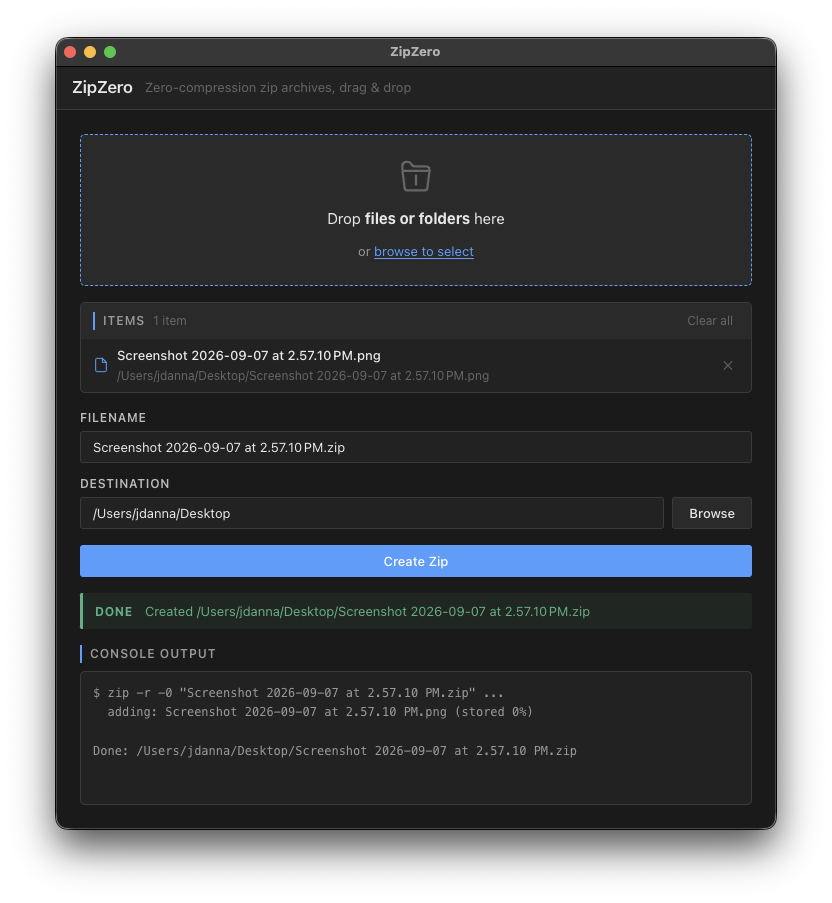
Drag-and-drop app that packages files or folders into zero-compression .zip archives.
Media files like ProRes, H.265, and RED raw are usually already compressed, so re-compressing them for delivery wastes time - ZipZero uses the built-in macOS zip tool with compression disabled for fast zipping and unzipping.
Run from Resolve's Workspace -> Scripts Menu
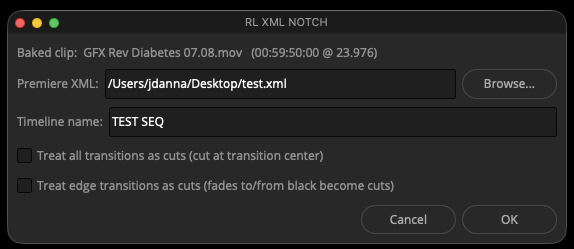
/Users/<UserName>/Library/Application Support/Blackmagic Design/DaVinci Resolve/Fusion/Scripts/Utility%APPDATA%\Blackmagic Design\DaVinci Resolve\Support\Fusion\Scripts\Utility$HOME/.local/share/DaVinciResolve/Fusion/Scripts/UtilityNotches a baked (flattened) render of a Premiere Pro timeline back into its original edit structure. Point it at the FCP7 XML export and it builds a new timeline cut at every edit point, with cross dissolves recreated where the XML had transitions and gaps wherever no video track had a clip.
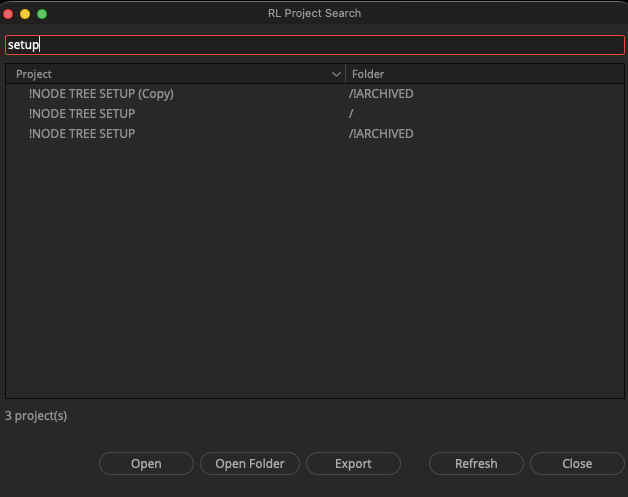
Indexes the current database, and lets you search for projects by name in all folders. Open projects, their root folder, or export them directly from the search window.
Duplicates the current timeline and auto-increments the name. Faster than right-clicking.
Creates multiple copies of the current timeline at once, each with an incremented name.
Generates a separate timeline for each clip in the current media pool folder.
Applies timecode values to all source clips in a folder in one operation.
Same as BATCH SET TC, but applies to sequences instead of source clips.
Custom Color Page Ultilities and Effects
Install in your LUT folder, and access via the DCTL ResolveFX
Fills the top and bottom of frame with a solid color to achieve a target aspect ratio.
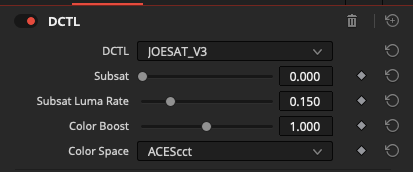
Subtractive saturation and Color Boost with variable luma response and a soft roll-off. Supports ACEScct, ARRI LogC3, Cineon Log, and DaVinci Intermediate color spaces.
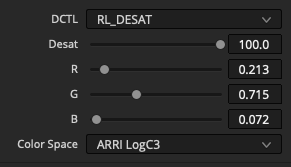
Creative desaturation tool with adjustable per-channel R/G/B weighting. Supports ARRI LogC3, LogC4, ACEScct, DaVinci Wide Gamut, and Rec709 color spaces.
Configurable safe area guides - action safe, title safe, and centre crosshair.
Highlights border regions that fall below a brightness threshold - fast, visual QC for blanking errors and edge artifacts.
Edit Page effects built in Fusion. Access via the Effects panel.
/Users/<UserName>/Library/Application Support/Blackmagic Design/DaVinci Resolve/Fusion/Templates/%APPDATA%\Blackmagic Design\DaVinci Resolve\Support\Fusion\Templates\$HOME/.local/share/DaVinciResolve/Fusion/Templates/Generates white, grey, RGB, and grayscale gradient test patterns for QA and display calibration. Supports Rec.709 and ST2084 HDR color spaces.
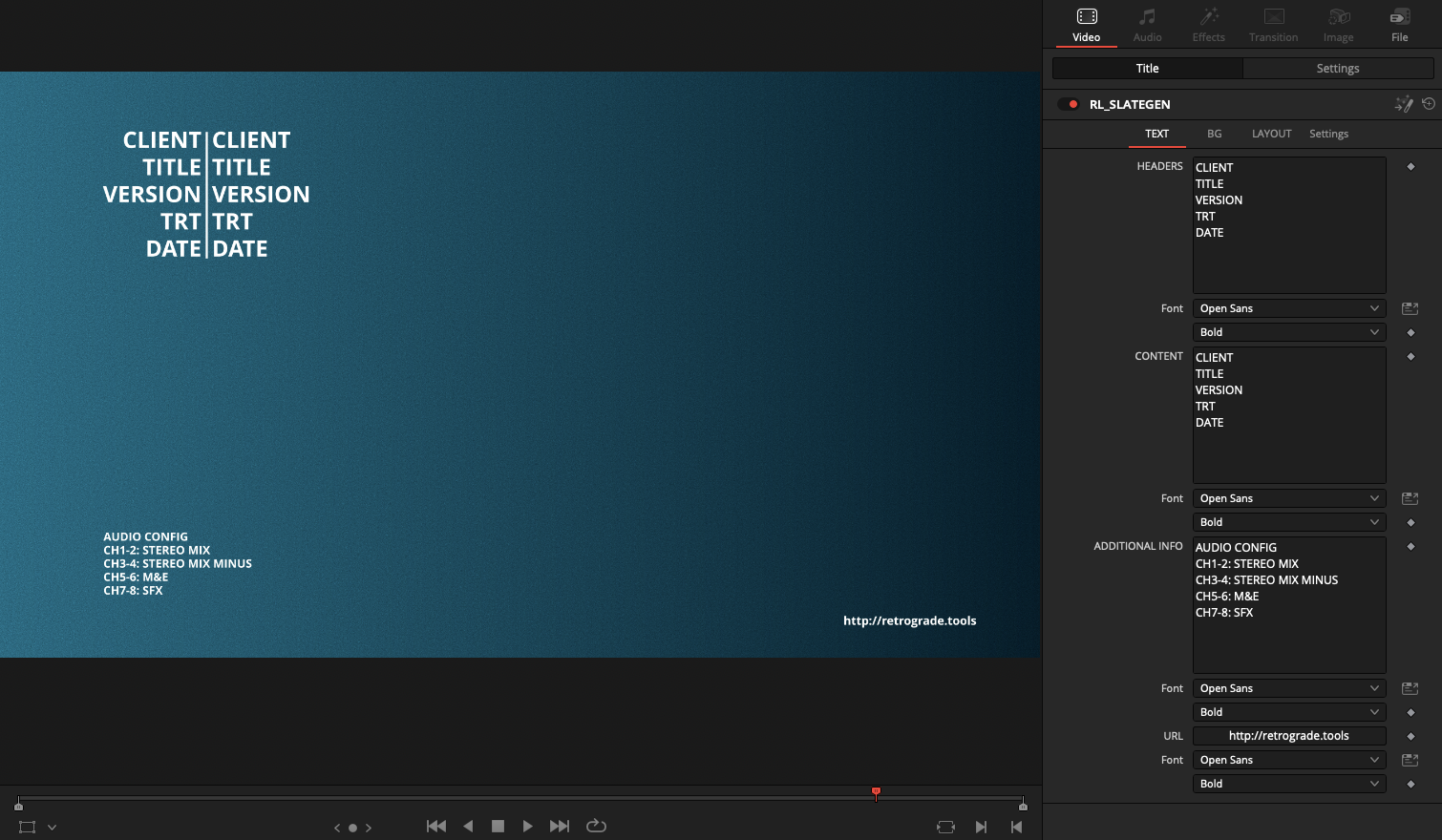
Parametric slate generator with customizable text fields, background, and more.
 More from Retrograde Labs